CMS Collection Items
Articles become native Webflow collection items that respect your existing bindings and structure.

CMS integration
Your Webflow site looks incredible, but a beautiful blog template does nothing empty. RankPush fills it by generating full articles and pushing them straight into your CMS Collection as ready-to-publish items, so the content keeps pace with the design you spent so long perfecting.
RankPush connects to your Webflow project and reads your blog CMS Collection. During setup you map each article field to the matching collection fields, typically title, slug, and the rich text body, plus any featured image or summary fields you use. From then on, every generated article slots into your collection with the structure your template expects.
Because everything lands as native CMS items, your layouts, styles, and dynamic bindings render exactly as designed. RankPush produces the rich text body with headings, images, an infographic, a YouTube embed, and internal links to your other collection items, so each post feels handcrafted while requiring none of your time in the Designer.
You keep the final say through Webflow's own workflow. New items can arrive as staged drafts inside the collection, and you trigger the site publish when you are ready, or let RankPush run on a schedule so your blog grows continuously. Either way, keyword research and writing happen automatically in the background.
Why teams use it
Articles become native Webflow collection items that respect your existing bindings and structure.
Map title, slug, and body once and every future article fills the right fields.
Your Webflow template renders each post exactly as you built it in the Designer.
Headings, images, embeds, and links come formatted for Webflow rich text out of the box.
Stage items as drafts and publish the site when you choose, or run on a schedule.
How it works
Authorize RankPush to access your project and select the blog CMS Collection to populate.
Match article title, slug, and body to your collection fields, plus any image or summary fields.
RankPush discovers keywords and writes complete rich-text posts with images, embeds, and internal links.
New collection items appear ready to go, and a site publish pushes them live on your cadence.
FAQ
You match RankPush fields to your collection fields once during setup, and every future article populates the correct title, slug, and body automatically.
Webflow requires a site publish to make CMS changes live, so items can be staged as drafts and pushed live manually or on a schedule.
Yes. Articles are stored as CMS data, so your Designer layouts and styles render each post without any changes.
It links to your other collection items where relevant, helping search engines crawl your blog and spreading authority across posts.
Yes, RankPush auto-discovers keyword opportunities for your niche and you can approve, edit, or exclude any of them before they enter the queue. You stay in charge of the topics that reach your CMS Collection.
New items are added to your CMS Collection and pushed live within your plan quotas, so heavy publishing schedules should use a CMS plan sized for your item count. RankPush respects your Collection field mapping on every push.
It can produce long-form articles in many major languages, so you can run a Webflow blog for international audiences from one account. The keyword research adapts to the language you choose.
Yes, articles come with a hero image, in-body visuals, infographics, and relevant YouTube embeds mapped into your Collection fields. This gives your Webflow pages the rich media that keeps visitors engaged.
Examples
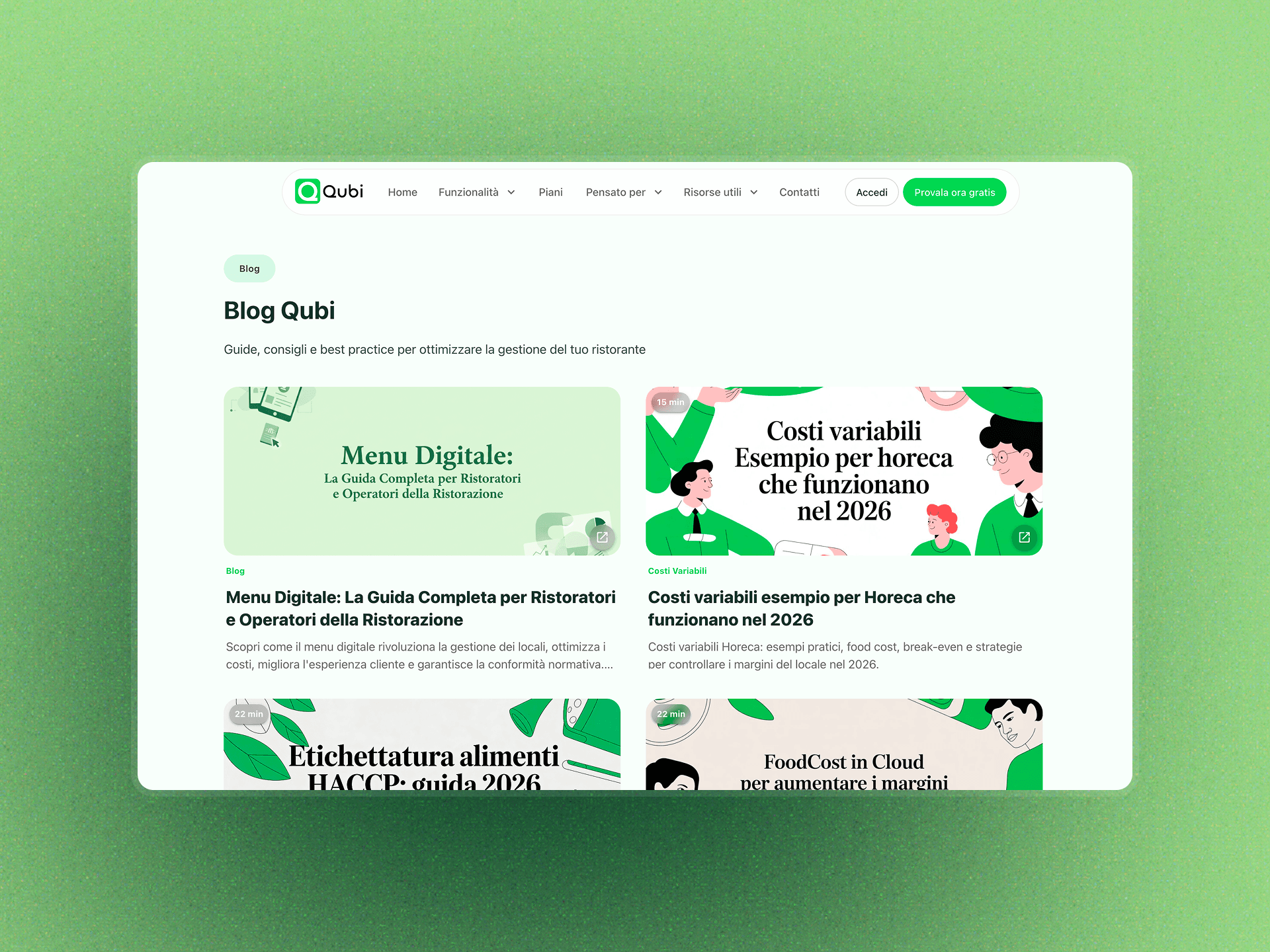
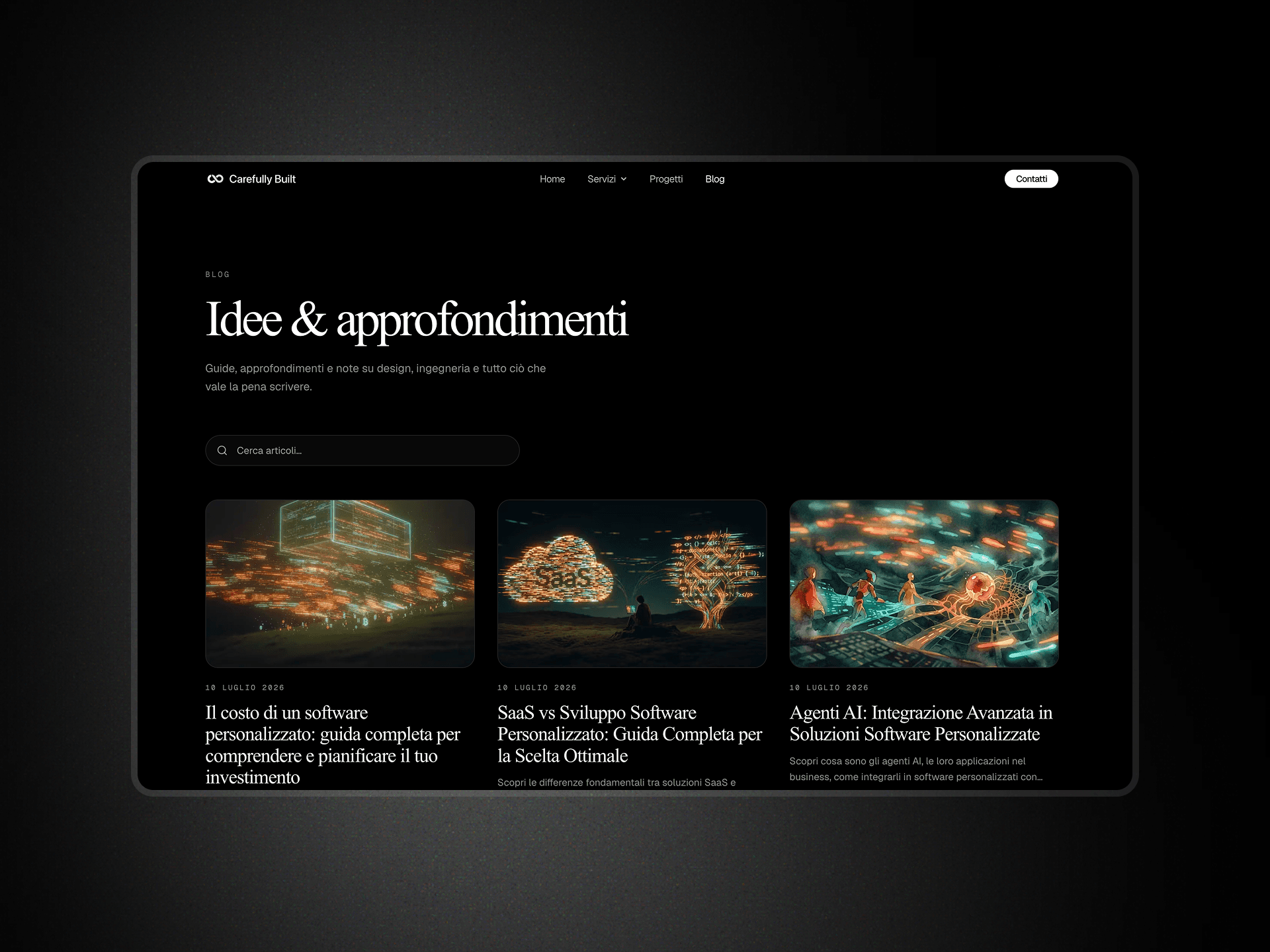
These are live blogs kept fresh by RankPush. Take a look at the kind of SEO and AEO content it researches, writes, and publishes for you.
Start now
Start today and generate your first SEO and AEO-optimized article in minutes.
Start 3-day trial